
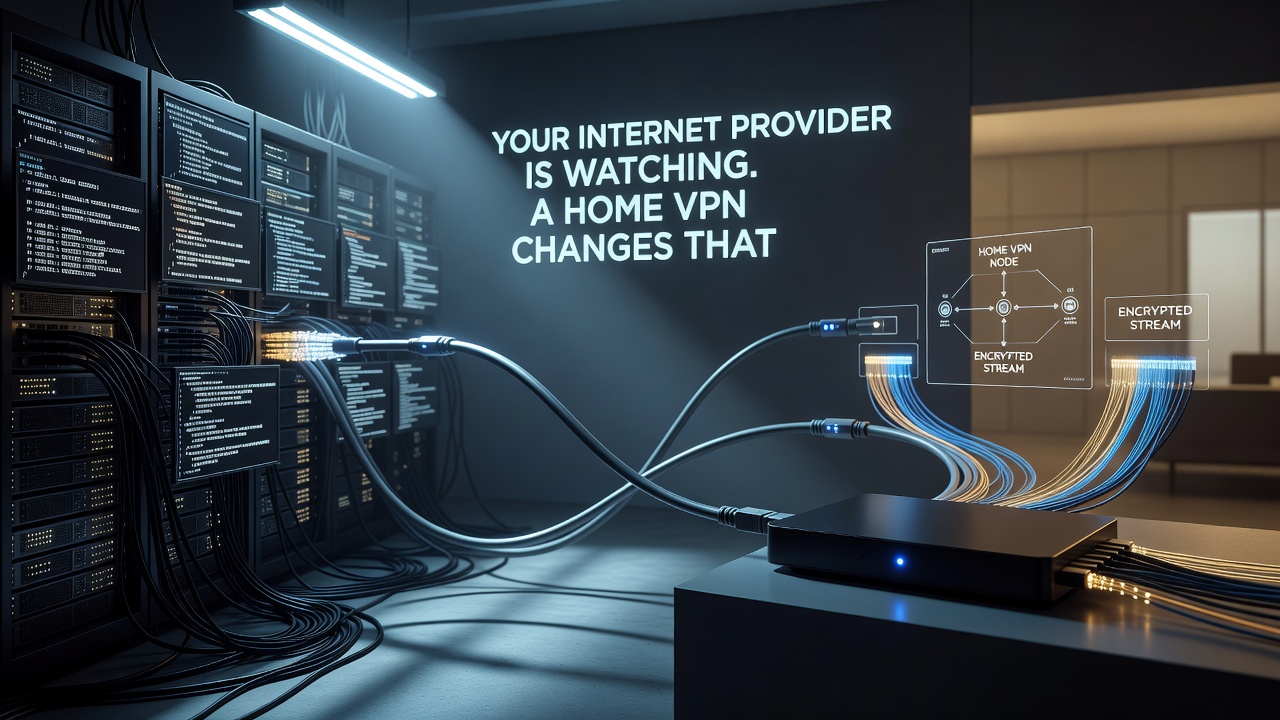
The biggest threat to your digital privacy isn't a hacker lurking on public Wi-Fi. It's the company that provides your home internet connection. Your internet service provider sits in a privileged position, capable of observing nearly every site you visit, every app you use, and every hour you spend online, and in many jurisdictions, that data can be packaged and sold.
Most people associate virtual private networks with travel: logging into airport Wi-Fi safely or streaming a show that isn't available abroad. But the most persistent eavesdropper most of us face is parked at home, built into the very connection we rely on daily. A VPN encrypts your traffic and routes it through a remote server, making it far harder for an ISP to log and monetize your browsing habits. Understanding how this works matters, including knowing what a VPN config file contains, since those settings determine the encryption protocol, server address, and authentication method that actually keep your traffic shielded.
What a VPN Can and Cannot Hide
Encryption is the core function of any VPN. Once your device connects to a VPN server, your ISP sees only a stream of scrambled data heading toward that server, not the individual sites or services you're accessing. This is a meaningful privacy upgrade, particularly in regions where providers are permitted to sell anonymized or aggregated user data to advertisers and data brokers.
That protection has limits. Advertisers and tracking networks increasingly rely on browser fingerprinting, a technique that identifies users based on device characteristics, installed fonts, screen resolution, and other quiet signals rather than IP addresses alone. A VPN does nothing to erase an existing fingerprint profile. Pairing it with tracker-blocking extensions and a privacy-focused browser offers a more complete defense, since no single tool addresses every surveillance method in use today.
Streaming, Torrenting, and the Geography Problem
Location spoofing, where a VPN makes your traffic appear to originate from another country, is a popular secondary use. Streaming platforms license content regionally, so a server in another country can unlock a different catalog. This is not a guaranteed workaround. Streaming services actively detect and block known VPN server addresses, so persistent users often need a provider with multiple servers in a given region, or a dedicated static IP that isn't already flagged.
Torrenting is a more clear-cut case. Peer-to-peer file sharing exposes your IP address to every other participant in a swarm, and many ISPs monitor or throttle this kind of traffic. A VPN obscures that exposure, though users remain responsible for complying with local copyright and file-sharing laws regardless of the tool they use.
Configuring a VPN for the Whole Household
Protecting a single device is straightforward, but covering an entire home network requires more planning. Some VPN services support several simultaneous device connections, while more advanced users configure the VPN directly on their router, extending protection to every connected device without installing separate apps.
- Split tunneling lets you route specific apps outside the VPN tunnel, useful for services like Chromecast or AirPlay that often fail under encrypted connections.
- Static IP options reduce the chance of being blocked by streaming platforms that blacklist known VPN server ranges.
- Connection speed matters more at home than many assume, since a slow VPN undermines everyday streaming and gaming performance.
Given how routinely ISPs collect and monetize browsing data, leaving a VPN active at home, not just while traveling, is a reasonable default. For those unsure whether the investment is worthwhile, a free VPN offers a low-stakes way to build the habit before committing further.